Device fit
Confirm whether the OBD tracker fits your vehicles, assets, trailers, equipment, or shipment workflow.
Plug in and start tracking work vehicles in minutes. Monitor real-time location, trip history, driver behavior, idle time, and geofence activity without a wiring appointment.
Start with the hardware mix your fleet actually needs.
Get help choosing devices, alerts, and rollout steps.
Built for service, trade, construction, and logistics teams.
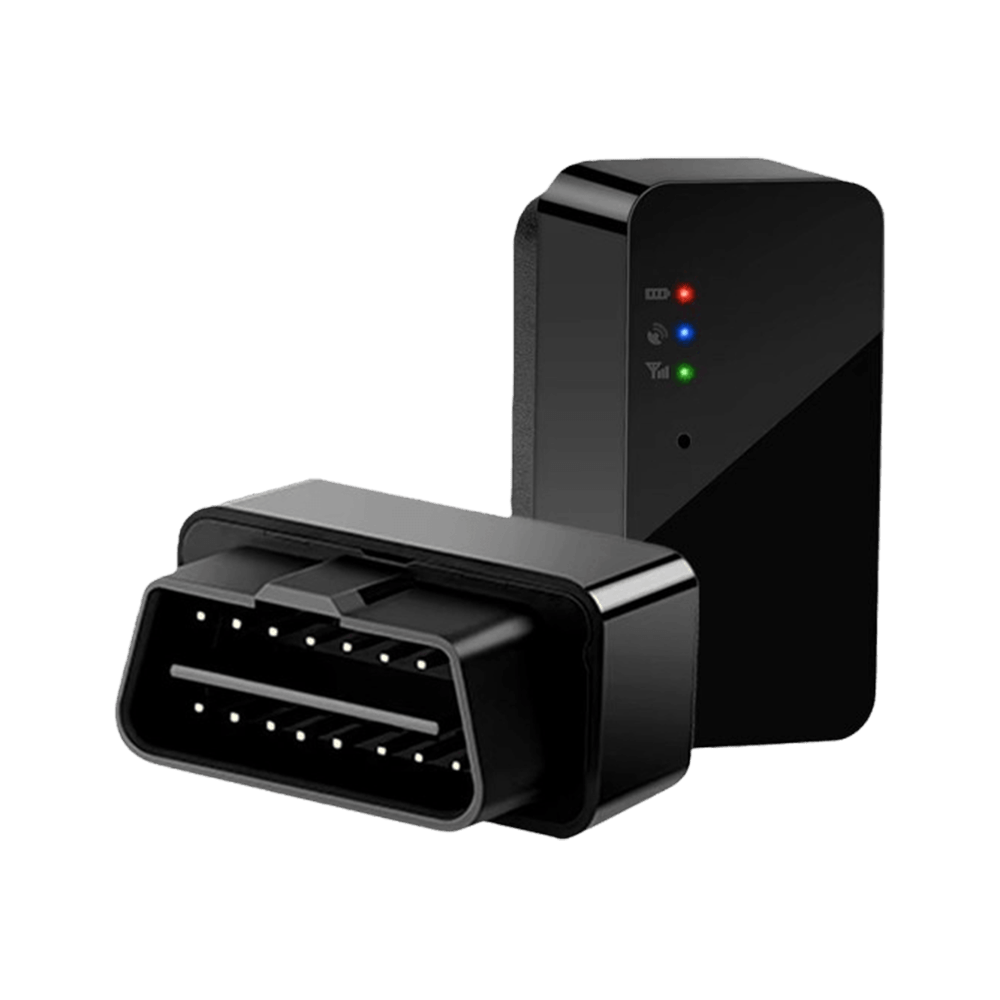
Built for service trucks, vans, and light-duty vehicles that need fast setup and dependable daily tracking.
Plugs into the dashboard OBD-II port on most 1996+ vehicles. No tools or wiring required.
See vehicle locations, route history, stops, and arrival times from the web dashboard or mobile app.
Monitor speeding, harsh driving, after-hours movement, and idling patterns that drive up costs.
Use OBD data to support maintenance planning and spot issues before they become downtime.
Buyer fit guide
Use this quick fit check before you request pricing. The goal is to match the device to the asset, install style, and daily workflow.
Plug into the OBD-II port under the dash. No wiring appointment required.
Live vehicle location, trip history, driver behavior alerts, idle review, and dispatch visibility.
Use this when you want the fastest path from order to tracking active vehicles.
Compare before you buy
Most fleets mix hardware types. Use this page to choose the right first device, then add vehicle, asset, video, or shipment visibility as the operation grows.
Track My Truck reviews your vehicles, assets, install needs, and service area.
Start with a few devices or plan a larger fleet deployment with the right mix of hardware.
Configure tracking, geofences, notifications, and reporting around the way your team works.
Buyer confidence
A good tracking setup starts with the right device for the job. Before you buy, use the form or call sales so the team can confirm hardware fit, setup expectations, and the simplest way to start.
Confirm whether the OBD tracker fits your vehicles, assets, trailers, equipment, or shipment workflow.
Start with a small group or plan a broader deployment using the hardware mix your fleet actually needs.
Use phone, email, or the contact form when you need help with device choice, alerts, reporting, or setup steps.
The page avoids unsupported savings claims and focuses on practical fleet visibility, alerts, install style, and daily workflows.
Start with plug-and-play GPS visibility for compatible work vehicles, then add dashcams or asset trackers where the fleet needs more coverage.
Contact our sales team for tailored volume pricing and solutions.